
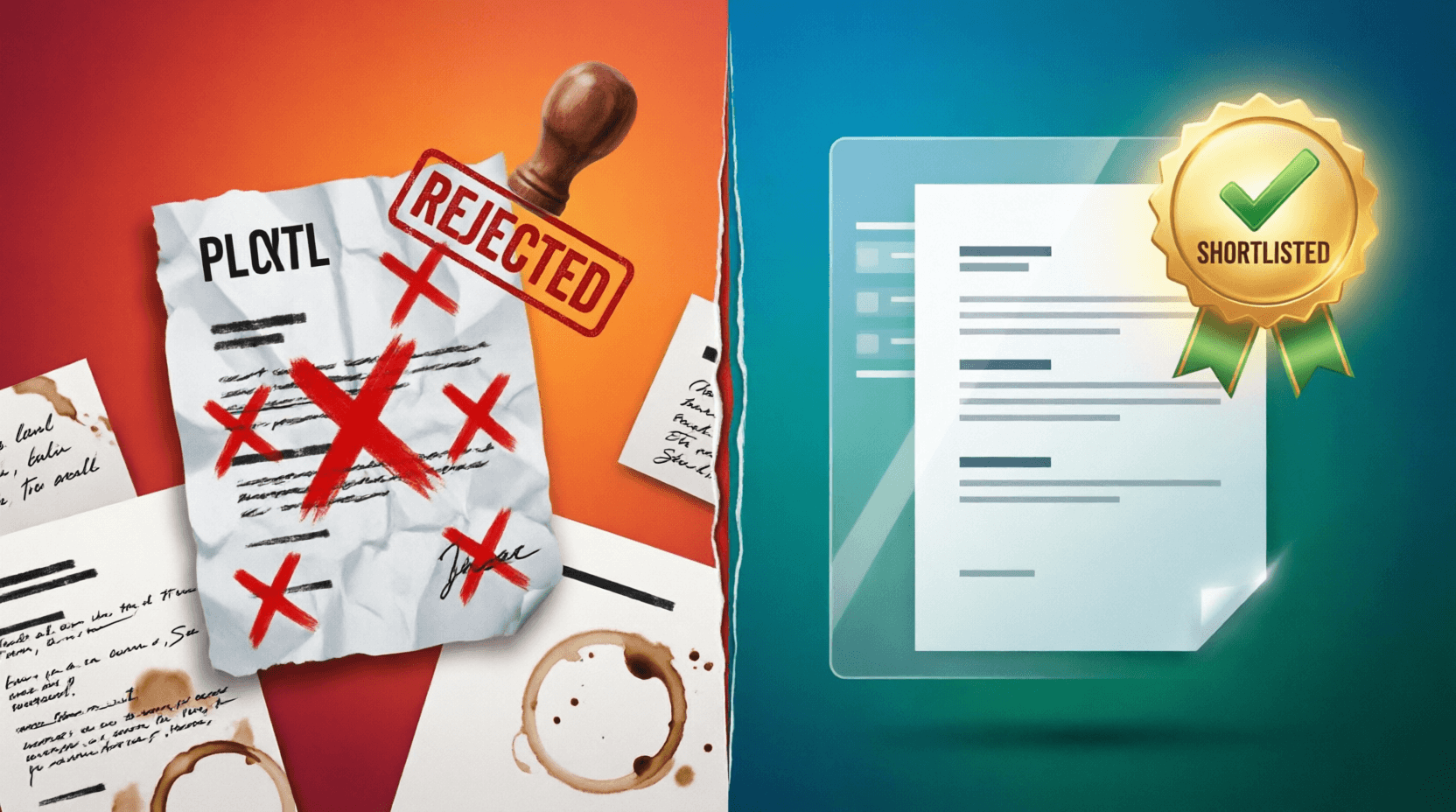
You spent two hours tailoring your resume. You triple-checked the bullet points. You even used the right font. Then you slapped together a cover letter in ten minutes, hit "Apply," and wondered why nobody called back.
Sound familiar?
Here's the hard truth most job seekers don't want to hear: your cover letter is probably the reason your application keeps landing in the "no" pile. Not your resume. Not your experience. Your cover letter.
I've talked to recruiters who've told me they reject applications in under 30 seconds — and the cover letter is usually what triggers that snap decision. A generic opening line, a typo in the hiring manager's name, or a letter that reads like it was copy-pasted from a template — that's all it takes.
But what if you didn't have to stress about any of that? What if there was a tool that built you a sharp, role-specific cover letter in seconds?
Let's talk about what's going wrong with your cover letters — and how a clever little AI-powered generator can fix it.
The 7 Cover Letter Mistakes Nobody Warns You About
Before we get into the tool, let's be honest about what's actually sinking your applications. These aren't the generic "proofread your work" tips you've read a hundred times. These are the mistakes that quietly tank your chances.
1. The "Dear Hiring Manager" Trap
When a job listing names the hiring manager and you still write "Dear Hiring Manager," you're basically telling them you didn't read the posting. It's small, but it signals laziness. Recruiters notice.
2. Making It All About You
"I'm passionate about this opportunity. I've always dreamed of working at a company like yours." Cool — but what's in it for them? The best cover letters flip the script. They say: here's the specific problem you have, and here's why I'm the person who solves it.
3. Repeating Your Resume Word-for-Word
If your cover letter just restates every bullet point from your resume, why would anyone read both? The cover letter should add context your resume can't. Think: the why behind the what.
4. Writing a Novel
Three paragraphs. That's the sweet spot. Four if you absolutely must. Anything beyond that and you're asking a recruiter who's reviewing 200 applications to read your memoir. They won't.
5. Using the Same Letter for Every Job
You'd be surprised how many people send the exact same cover letter to twenty different companies. Hiring managers can smell a generic letter from the subject line. If your letter doesn't mention the company name, the role, or anything specific about the job — it's generic.
6. Burying the Good Stuff
That time you increased revenue by 30%? That project where you led a team of eight engineers? Don't hide it in paragraph three. Lead with your strongest claim. You've got maybe two sentences before someone decides to keep reading or move on.
7. Getting the Tone Wrong
Too formal and you sound like a robot from 1995. Too casual and you sound like you're texting a friend. The right tone depends on the company culture, the industry, and the role — and getting it wrong creates an immediate disconnect.
Meet the Tool That Solves All of This
Now, here's where things get interesting. There's a cover letter generator that was clearly built by someone who understands these exact problems.
It's a simple, clean form that takes your details and generates a polished, role-specific cover letter in seconds. No signup walls. No "premium tier" upsells before you can see your letter. Just fill it out and go.
How It Works (Step by Step)
The process takes less time than it took you to read this far:
Step 1 — Enter your personal details. Your name, email, phone number, and city. Standard stuff. This gets formatted into a proper letterhead so you don't have to fuss with alignment.
Step 2 — Add the company information. The hiring manager's name and the company name. This is key — the tool uses these to personalize the greeting and body of the letter. No more "Dear Sir/Madam."
Step 3 — Specify the role. Enter the job title and, optionally, a job reference ID. This anchors the letter to a specific opening, which immediately tells the reader you're not blasting applications everywhere.
Step 4 — Add your credentials. Your years of experience and key skills (comma-separated). The tool weaves these into the letter naturally instead of just listing them.
Step 5 — Tell your story (optional). There's a text box where you can drop a quick note about why you're a great fit. Something like "I led a team that increased revenue by 30%" or "I built the authentication system used by 2 million users." The tool takes this and works it into the narrative.
Step 6 — Pick a style. Three options here — Professional, Enthusiastic, or Concise. Professional keeps it formal and polished. Enthusiastic adds warmth and energy. Concise cuts straight to the point.
Step 7 — Hit generate. One click, and your letter is ready.
What Makes This Actually Useful (Not Just Another Template)
There are hundreds of cover letter templates floating around the internet. Most of them are just fill-in-the-blank documents with placeholder text. This is different for a few reasons.
It Adapts to the Role
The tool doesn't just swap out names. It structures the letter around the specific job title, skills, and experience you enter. A letter for a Senior Software Engineer role with JavaScript and React skills will read completely differently from one for a Marketing Manager with SEO and content strategy skills.
The Style Toggle Actually Changes the Writing
The Professional/Enthusiastic/Concise options aren't cosmetic. They genuinely shift the sentence structure, word choice, and overall tone. Applying to a law firm? Professional. A startup that uses emojis in their job posting? Enthusiastic. A company that explicitly says "keep it brief"? Concise.
It Handles the Formatting
No more googling "how to format a cover letter 2026." The tool outputs a properly structured letter with your contact info, the right greeting, well-organized body paragraphs, and a clean sign-off. You get to focus on content instead of fighting with margins.
It Forces You to Think About the Right Things
Here's a subtle benefit: by asking for the hiring manager's name, the company name, the job title, and a "why you're a great fit" statement, the form actually pushes you to do the research that makes a cover letter effective. You can't just autopilot through it.
Real-Life Scenarios Where This Tool Shines
The Mass-Application Grind
Let's say you're applying to fifteen companies this week. Writing a unique cover letter for each one from scratch would take you days. With this tool, you can generate a tailored letter for each role in under two minutes. Change the company name, tweak the skills, adjust the "great fit" section — done.
The Career Switcher
Switching from, say, teaching to UX design? The cover letter is where you explain that pivot. You can use the "why you're a great fit" field to connect the dots: "My five years of creating lesson plans for diverse learners translates directly to designing user experiences for varied audiences." The tool wraps that narrative into a professional package.
The Fresh Graduate
You don't have ten years of experience to lean on. What you do have is specific projects, internships, and skills. Enter those into the tool, pick the Enthusiastic style, and you get a letter that highlights what you bring without sounding apologetic about what you lack.
The "I Hate Writing" Professional
Some people are brilliant engineers, designers, or analysts — but staring at a blank document and trying to write about themselves feels like pulling teeth. This tool removes that blank-page paralysis completely.
Why This Beats the Alternatives
I've tried a lot of cover letter tools. Here's where most of them fall short and how this one holds up.
ChatGPT / general AI chatbots: You can ask ChatGPT to write a cover letter, sure. But you'll spend ten minutes crafting the prompt, then another ten editing the output because it wrote six paragraphs of fluff. A purpose-built tool with structured inputs gives you a better result with less effort.
Paid resume builders: Most of them charge $15-30/month and lock the cover letter feature behind the premium tier. The free versions give you a watermarked PDF that screams "I used a template."
Cover letter templates: Static. They don't adapt to the role, the company, or your specific strengths. You still have to do all the heavy lifting.
Doing it yourself from scratch: The gold standard if you're a strong writer with unlimited time. Most people aren't and don't.
8 Tips to Get the Most Out of Any Cover Letter Tool
Even the best tool gives better results when you feed it better inputs. Here's how to make your generated letters stand out.
- Always find the hiring manager's name. Check LinkedIn, the company website, or the job posting itself. "Dear Jane Smith" instantly beats "Dear Hiring Manager."
- Don't leave the "why you're a great fit" field empty. This is where your letter gets its personality. One specific achievement beats five vague claims.
- Match the style to the company culture. Browse the company's website, social media, and job posting tone before picking Professional, Enthusiastic, or Concise.
- Use numbers wherever possible. "Increased revenue by 30%" is ten times stronger than "helped grow the business." Quantified achievements are harder to ignore.
- List your most relevant skills first. If the job posting emphasizes React and Node.js, those should be the first skills you type — not Python, which they mentioned as a "nice to have."
- Generate multiple versions. Try all three styles for the same role and compare. You might be surprised which one feels most natural for a given company.
- Always do a final read-through. The tool gives you a strong draft. Spend two minutes scanning it to make sure everything sounds like you.
- Update the "great fit" section for each application. This is the fastest way to make each letter feel custom without rewriting the whole thing.
Time to Stop Guessing and Start Getting Callbacks
Your cover letter shouldn't be an afterthought. It's the first thing that carries your voice, your story, and your specific pitch for why you belong in that role. But it also shouldn't take you an hour to write each time.
A good cover letter tool bridges that gap. It handles the structure, the formatting, and the heavy lifting — so you can focus on the part that actually matters: making sure your best achievements are front and center.
Give the generator a try. Fill in the fields, pick your style, and see what comes out. You might be surprised how much better "two minutes with a smart form" feels compared to "forty-five minutes staring at a blank page."
Your next callback might be one cover letter away.
💬 Comments (0)
No comments yet. Be the first to share your thoughts!
Leave a Comment