
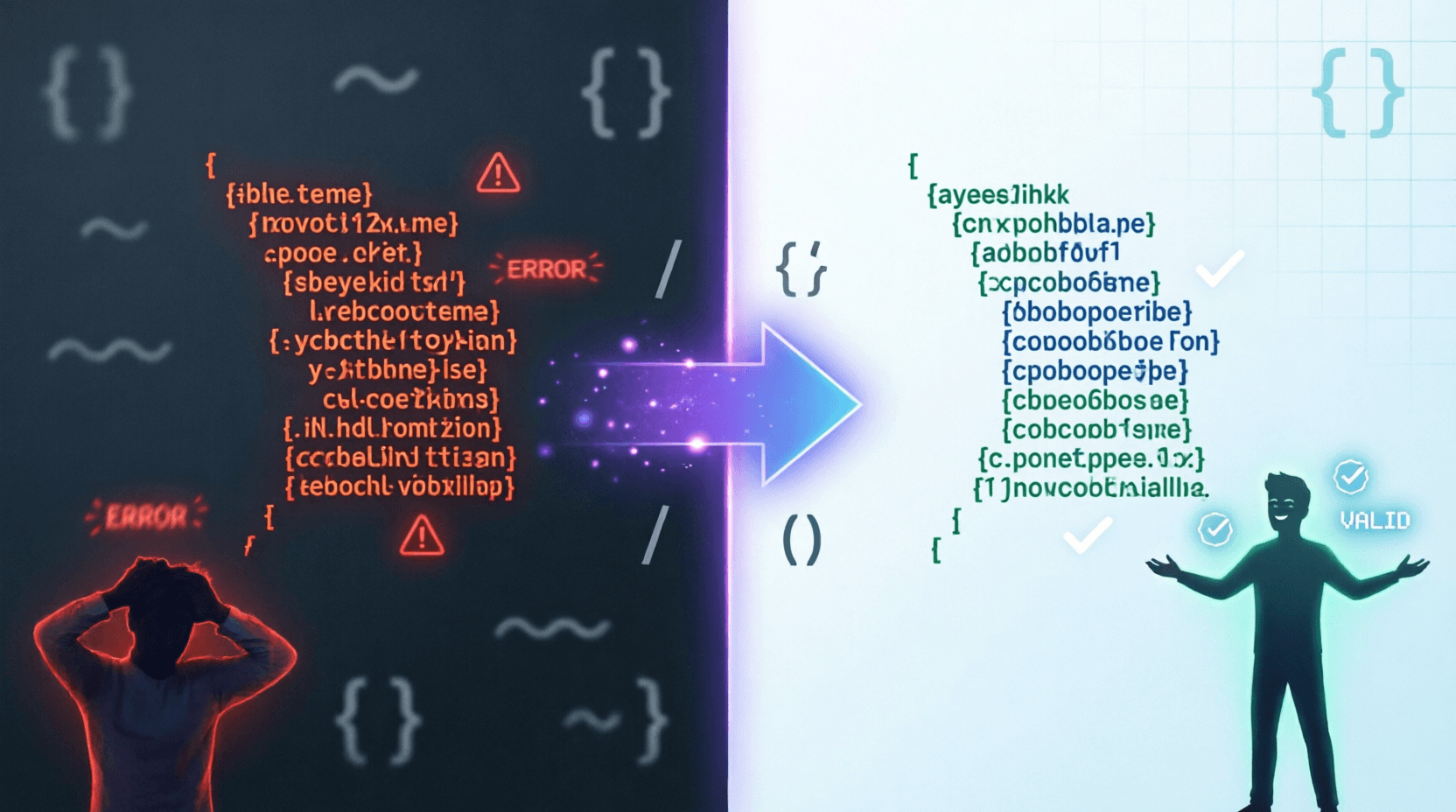
Ever copied JSON data from an API response and felt your eyes crossing? You're not alone.
Last week, I was debugging an API integration at 11 PM. The JSON response was a single, endless line stretching horizontally across my screen. Missing commas, nested brackets, no indentation – a complete nightmare. I spent 20 minutes just trying to find where one object ended and another began. Sound familiar?
That's exactly why tools like JSON Formatter & Validator exist. They turn that chaotic wall of text into something your brain can actually process. Let me show you how this simple tool can save you hours of frustration.
What Exactly Is a JSON Formatter & Validator?
Think of it as a grammar checker for your JSON data.
When developers or systems exchange data, JSON (JavaScript Object Notation) is the go-to format. But raw JSON often comes minified – all crammed into one line to save space. While great for machines, it's terrible for humans trying to read or debug it.
A JSON Formatter & Validator does two critical jobs:
Formatting (Beautifying): Takes that messy, single-line JSON and adds proper indentation, line breaks, and spacing. Suddenly, you can actually see the structure.
Validating: Checks if your JSON follows the correct syntax rules. Missing a comma? Forgot a closing bracket? The tool catches it instantly and tells you exactly where the problem is
It's like having a sharp-eyed friend proofread your code before you waste hours chasing a typo.
How It Works: Step-by-Step Guide
Using this tool is ridiculously simple. Here's the process:
Step 1: Paste Your JSON
Copy your JSON data from anywhere – API response, database export, config file – and paste it into the big text box labeled "PASTE JSON."
Step 2: Choose Your Action
You'll see three buttons:
- Format / Beautify – Adds 2-space indentation and line breaks for readability
- Minify – Strips all whitespace to make it compact for transmission or storage
- Clear – Wipes the slate clean to start over
Step 3: Click and See Magic
Hit "Format / Beautify" and watch the transformation:
See the difference? The validator runs automatically on every action. If there's a syntax error, it shows you the exact problem so you can fix it quickly
That's it. No signup, no complicated settings, no waiting.
Key Features and Benefits
1. Instant Readability
Formatted JSON is dramatically easier to read and understand, making it simpler to debug and analyze data
When you're dealing with deeply nested objects or large datasets, proper indentation is not a luxury – it's a necessity.
2. Error Detection That Actually Helps
The validator doesn't just say "error." It points to the exact location and tells you what's wrong. Missing comma at line 15? Extra bracket at character 342? You'll know immediately
3. Two-Way Flexibility
Need to make JSON human-readable? Use Format. Need to shrink it for faster API responses or smaller file sizes? Use Minify
Having both options in one tool saves you from juggling multiple websites.
4. Privacy-Friendly
Most good JSON formatters work entirely in your browser. Your data never leaves your computer, which matters when you're dealing with sensitive information
5. Zero Learning Curve
Unlike complex code editors or IDEs, this tool requires zero setup. Paste, click, done. Perfect for quick checks when you're in a hurry.
Real-Life Use Cases: When You'll Actually Need This
Let me share scenarios where this tool becomes indispensable:
Scenario 1: API Development & Testing
You're building a mobile app and testing the backend API. The response comes back as a massive minified JSON. Before you can verify if the data structure matches your requirements, you need to see it clearly. Format it, and suddenly you can spot if the "user_address" field is nested correctly or if "phone_number" is missing.
Scenario 2: Debugging Production Issues
Your e-commerce site is throwing errors. You pull the logs and find a JSON payload that failed validation. Instead of guessing where the syntax broke, you paste it into the formatter. The validator immediately highlights: "Unexpected token at line 23." You fix the extra comma, redeploy, and move on with your day.
Scenario 3: Data Migration Projects
Imagine you're migrating customer data from an old system to a new CRM. The export gives you JSON, but it's inconsistently formatted. Some entries are minified, others partially formatted. You run everything through the beautifier to standardize it, making it easier to review before import
Scenario 4: Learning & Teaching
New to programming? JSON structure can be confusing when it's all compressed. Students and bootcamp learners use formatters to understand how objects nest, how arrays work, and how data is structured
Scenario 5: Configuration Files
Working with package.json, tsconfig.json, or other config files? One missing comma breaks everything. Format and validate before saving to catch errors early.
Scenario 6: Collaboration
You need to share a JSON snippet with a teammate via Slack or email. Sending minified JSON is rude – it forces them to do extra work. Beautify it first, and they'll thank you.
Why This Tool Beats the Alternatives
You might be thinking, "Can't I just use VS Code or an online IDE?" Sure, but here's why a dedicated JSON formatter wins:
Speed: No need to open an editor, create a file, install extensions. Just paste and go.
Focused Functionality: Unlike general code editors, this tool does one thing exceptionally well – format and validate JSON. No distractions, no bloat.
Automatic Validation: Many basic text editors won't validate JSON syntax unless you install plugins. This tool validates automatically on every action
Minify + Beautify in One Place: Some tools only format. Others only minify. Having both means less tab-switching.
Works Anywhere: Browser-based means it works on any device – your work laptop, personal computer, or even your phone in a pinch.
Free and Accessible: No subscription, no paywall, no "premium features" locked behind a plan.
Pro Tips to Use It Effectively
After using JSON formatters daily, here are my hard-earned tips:
- Validate Before You Format: If the formatter throws an error, fix it before trying to beautify. Garbage in, garbage out.
- Use Minify for Production: When deploying config files or sending API responses, always minify. It reduces file size and improves load times
- Copy the Original First: Before pasting into any online tool, keep a backup. Just in case.
- Check for Sensitive Data: If your JSON contains API keys, passwords, or user data, make sure the tool processes everything client-side (in your browser)
- Learn Keyboard Shortcuts: Most formatters accept Ctrl+V to paste and have keyboard shortcuts for format/minify. Saves seconds that add up over time.
- Use Tree View if Available: Some advanced formatters show a collapsible tree structure alongside the formatted JSON. Great for navigating large files
- Don't Over-Nest: If your JSON is so deeply nested that even formatted it's hard to read, consider restructuring your data. No tool can fix bad architecture.
Frequently Asked Questions
Q1: Is this JSON formatter free to use?
Yes, most online JSON formatters are completely free with no usage limits. You don't need to create an account or provide an email address. Just open the tool and start formatting
Q2: Is my JSON data secure when I use online formatters?
Reputable JSON formatters process data entirely in your browser using JavaScript. This means your data never gets sent to any server – it stays on your computer. However, always verify the tool mentions client-side processing, especially when handling sensitive information
Q3: What's the difference between JSON beautify and JSON minify?
Beautify (or format) adds indentation, line breaks, and spaces to make JSON human-readable. Minify does the opposite – it removes all unnecessary whitespace to make the file as small as possible for faster transmission and storage
Q4: Can this tool handle large JSON files?
Most modern JSON formatters can handle files up to several megabytes. However, extremely large files (10MB+) might slow down your browser. For massive JSON files, consider using a desktop code editor with JSON plugins instead
Q5: What if my JSON has errors? Will the tool fix them automatically?
The validator will identify syntax errors and show you exactly where they are, but it won't auto-fix them. You'll need to manually correct issues like missing commas, extra brackets, or incorrect quotes. This is actually better because you stay in control of your data
Wrapping Up
Look, I get it. You're busy. You've got deadlines, standups, and a backlog that never shrinks. The last thing you need is to waste time deciphering poorly formatted JSON.
A good JSON Formatter & Validator isn't just a "nice-to-have" tool – it's one of those utilities you'll wonder how you lived without. Whether you're a seasoned developer debugging production issues, a student learning APIs, or someone who occasionally works with data exports, this tool pays for itself in saved minutes (and sanity).
The best part? It's free, fast, and requires zero commitment. No downloads, no signup, no fuss.
Next time you're staring at a wall of minified JSON, don't reach for your magnifying glass. Just paste it into a formatter, hit beautify, and get back to what actually matters – building great stuff.
Give it a try right now. Your future self (and your teammates) will thank you.
💬 Comments (0)
No comments yet. Be the first to share your thoughts!
Leave a Comment