
Let’s be honest: we’ve all been there. You’re drafting an important email, racing to finish a college assignment, or typing out a client proposal, and your fingers just can’t keep up with your thoughts. You find yourself backspacing more than actually writing, wondering why that simple paragraph took ten minutes. Slow typing doesn’t just waste time; it drains your focus and makes everyday tasks feel heavier than they should be.
That’s exactly why a clean, no-nonsense typing speed test can be a game-changer. Instead of guessing how fast you are or relying on clunky, ad-heavy websites, you get a straightforward tool that measures your speed, highlights mistakes in real time, and actually helps you improve. Let’s break down how this typing speed test works, why it’s worth bookmarking, and how you can use it to type faster without the stress.
What Exactly Is This Typing Speed Test?
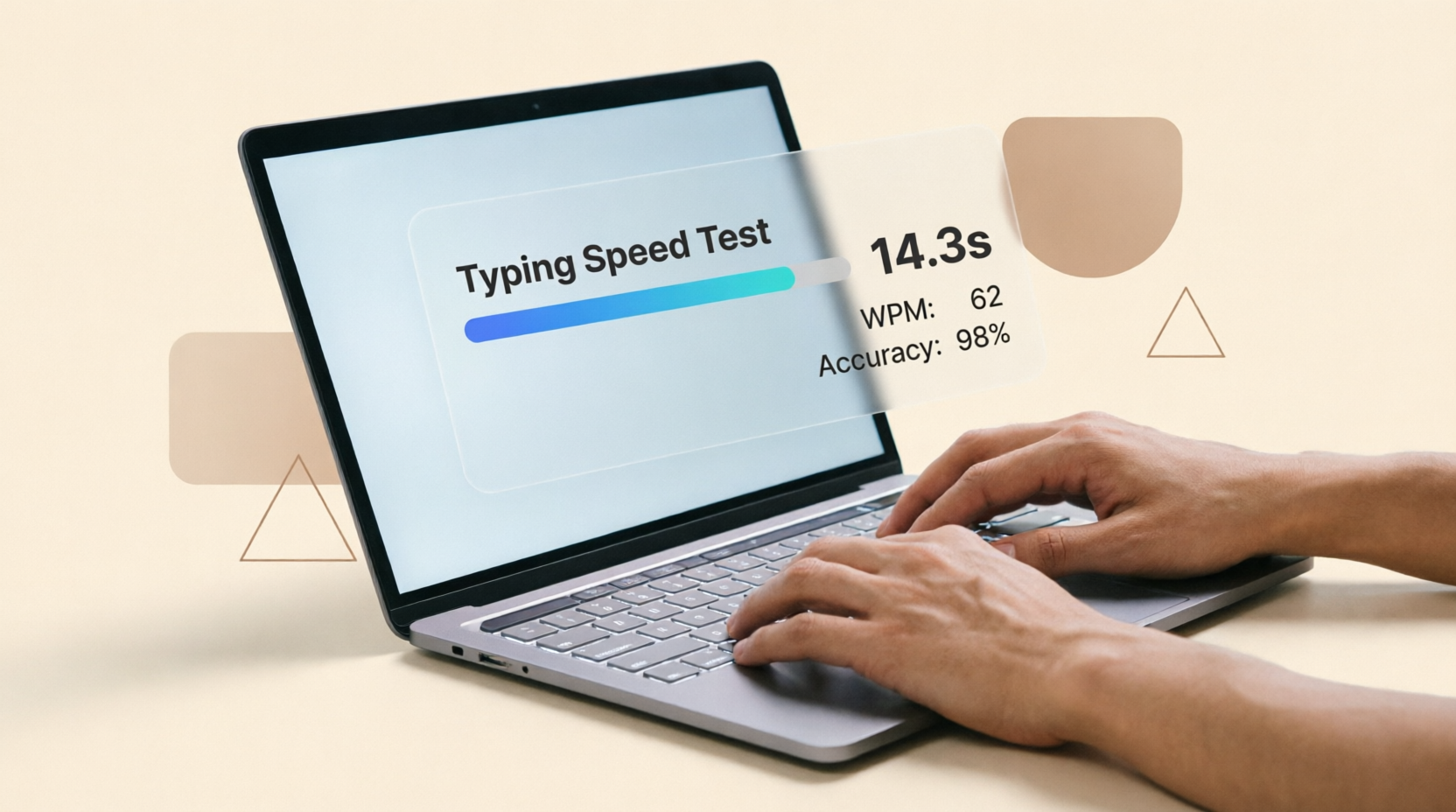
At its core, this is a free, browser-based typing speed test designed to measure two things that actually matter: your Words Per Minute (WPM) and your accuracy. Unlike gamified typing games that focus on flashy animations, this tool strips away the noise. You get a clear passage to type, a live timer, instant error highlighting, and a clean history panel to track your progress over time. No sign-ups, no downloads, just a focused practice environment.
Think of it as a digital metronome for your keyboard skills. It tells you exactly where you stand, so you can fix bad habits before they become muscle memory.
How It Works (No Sign-Ups, No Nonsense)
Using the tool takes less than a minute. Here’s the step-by-step flow:
- Start the Test: Click the “Testing...” button. The timer kicks in the moment you press your first key.
- Type the Prompt: A short passage appears at the top. As you type, correctly typed characters stay clean, while mistakes get instantly highlighted in red.
- Watch Your Metrics: The timer runs in real time. Once you finish the passage, your WPM and accuracy are calculated automatically.
- Check Your History: Finished tests drop into the “Test History” table below, showing your net WPM, accuracy percentage, time taken, and total errors. Hit “New Text” whenever you’re ready for a fresh passage.
It’s designed to get out of your way so you can focus on one thing: typing.
Features That Actually Make a Difference
A lot of typing tests online promise the world but deliver clutter. This one keeps it practical:
- Real-Time Error Highlighting: See mistakes the moment you make them. No more finishing a paragraph and realizing you’ve been typing “teh” instead of “the” the whole time.
- Dual Metrics (Speed + Accuracy): Fast typing means nothing if half of it needs backspacing. This tool balances both, giving you a realistic picture of your efficiency.
- Progress Tracking: The history table saves your recent attempts locally, so you can actually see if you’re improving day by day.
- Distraction-Free Interface: No pop-ups, no countdown animations, no leaderboard pressure. Just you, the keyboard, and clear feedback.
- One-Click Reset & Fresh Text: Messed up your flow? Hit “Reset.” Want to avoid memorizing the same paragraph? “New Text” loads a different passage instantly.
Real-Life Scenarios Where It Shines
You don’t need to be a professional typist to benefit from this. Here’s where it actually fits into everyday life:
- Students & Competitive Exams: Whether you’re writing long-form answers in university exams or preparing for typing-based government tests, building speed and accuracy directly impacts your score and stress levels.
- Remote Workers & Freelancers: If you live in Slack, email, or client reports, shaving off 10–15 WPM can save you hours over a month. Faster typing means faster replies, faster drafts, and faster wrap-up times.
- Content Writers & Bloggers: Drafting becomes less of a chore when your fingers can keep pace with your ideas. Less backspacing = more flow state.
- Developers & Tech Professionals: While coding isn’t just about typing speed, clean syntax entry and quick documentation notes become noticeably smoother when your baseline WPM is solid.
Why This Tool Stands Out From the Crowd
I’ve tested dozens of typing tools over the years, and most fall into two traps: they’re either too childish (think falling letters and cartoon sounds) or too corporate (require logins, force you through paywalls, or bury metrics behind ads).
This test hits the sweet spot. It’s lightweight, loads instantly, and focuses on measurable improvement rather than entertainment. The error tracking is precise, the history feature works without accounts, and the interface is clean enough to use during a quick 5-minute break between meetings. If you want to actually get better—not just play a game—this is the right environment.
Quick Tips to Beat Your Own Record
Speed comes with consistency, not cramming. Try these practical tweaks:
- Start with Accuracy, Not Speed: Aim for 95%+ accuracy first. Speed naturally follows when your fingers stop second-guessing keys.
- Keep Your Eyes on the Screen: Looking down breaks your rhythm. Trust your muscle memory, even if it feels awkward at first.
- Use the Home Row as Your Anchor: Rest your fingers on ASDF and JKL;. It reduces unnecessary hand movement and cuts fatigue.
- Practice Daily, Not Marathon Sessions: Five minutes a day beats one hour once a week. Your brain reinforces neural pathways through repetition, not exhaustion.
- Rotate Passages: Use the “New Text” button regularly. Memorizing a paragraph inflates your WPM artificially and doesn’t build real skill.
Frequently Asked Questions
1. Is this typing test completely free?
Yes. There are no hidden paywalls, premium tiers, or mandatory sign-ups. You can run as many tests as you want, anytime.
2. Does it save my progress permanently?
The test history saves your recent attempts locally in your browser. Clearing your cache will remove it, but it’s perfect for tracking daily or weekly improvements.
3. What’s considered a “good” typing speed?
For general tasks, 40–50 WPM with 90%+ accuracy is solid. Professionals like writers, data entry specialists, or developers often aim for 60–80+ WPM. Remember, accuracy matters more than raw speed.
4. Can I use this on mobile or tablets?
The interface is responsive, but typing tests are designed for physical keyboards. You’ll get the most accurate results on a laptop or desktop setup.
5. How often should I practice to see real improvement?
Aim for 5–10 minutes daily. Most people notice a 10–15 WPM bump within 2–3 weeks of consistent, focused practice.
Final Thoughts
Typing faster isn’t about rushing. It’s about removing friction between your thoughts and your screen. This typing speed test gives you a clear, honest look at where you stand and a simple path to get better. No fluff, no distractions, just steady progress.
Bookmark the page, run a quick baseline test, and see where you land. Then come back tomorrow, aim for one extra correct word per minute, and watch how quickly it adds up. Your keyboard (and your to-do list) will thank you.
💬 Comments (0)
No comments yet. Be the first to share your thoughts!
Leave a Comment