
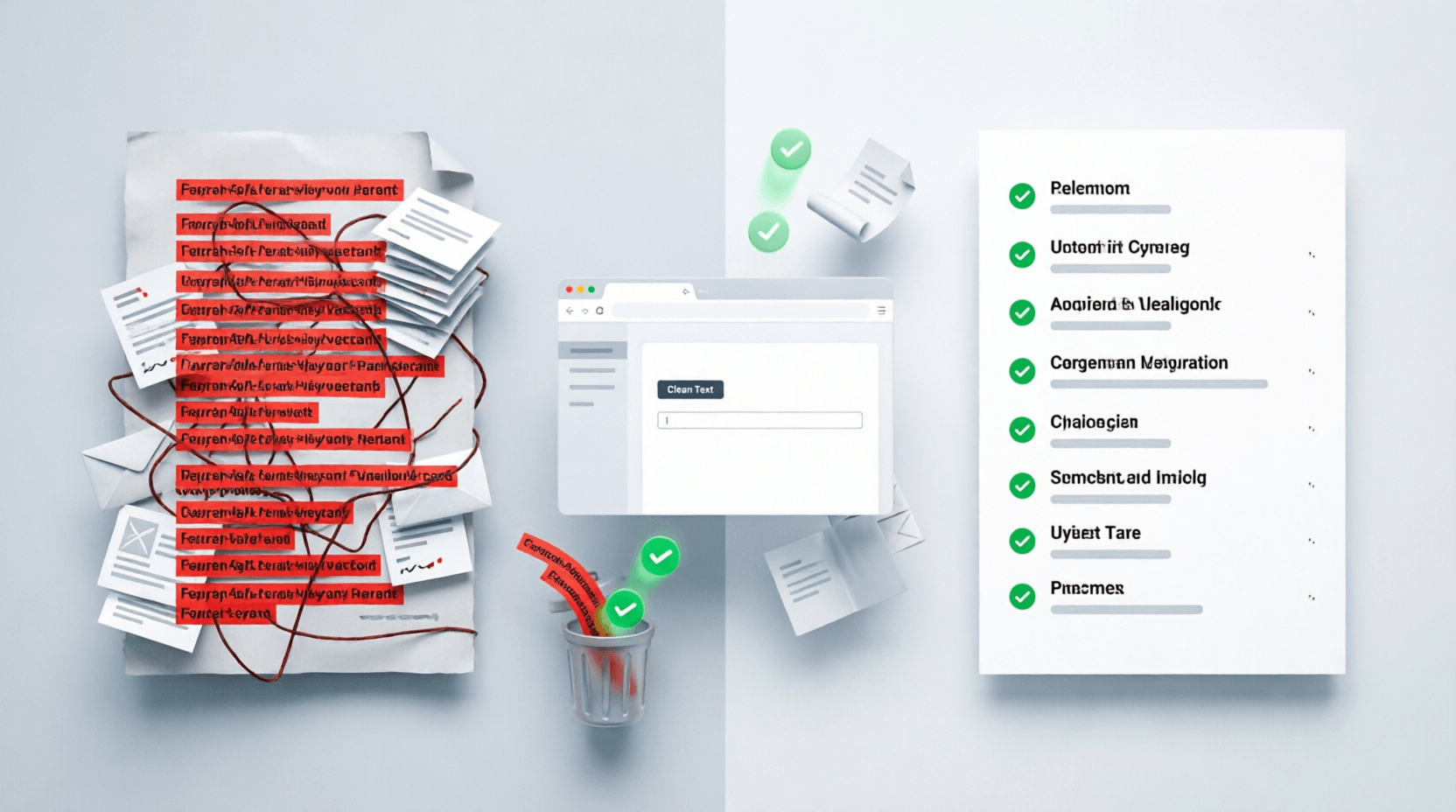
Ever copied data from multiple sources only to end up with the same lines repeating over and over? Or maybe you're working with a massive email list, keyword research, or survey responses, and duplicates are making your life miserable?
I've been there. Last month, I spent two hours manually deleting repeated entries from a 500-line customer list. Never again.
That's exactly why tools like Remove Duplicate Lines exist – to save you from the mind-numbing task of hunting down and deleting repeated text line by line.
What Exactly Does This Tool Do?
Simple: it scans your text, identifies duplicate lines, and removes them – leaving you with a clean, unique list.
Think of it as a smart filter that keeps only one copy of each line while tossing out the rest. Whether you're dealing with email addresses, product codes, URLs, or random notes, this tool spots repetitions instantly
The best part? You can customize how it works:
- Case-sensitive matching (treats "Hello" and "hello" as different)
- Trim whitespace (removes extra spaces before/after text)
- Remove blank lines (cleans up empty rows)
- Sort output A-Z (organizes everything alphabetically)
How to Use It (Step-by-Step)
Using this tool is ridiculously easy. Here's how:
Step 1: Paste Your Text
Copy your messy text into the INPUT box on the left. One item per line works best.
Step 2: Choose Your Settings
Check the options that fit your needs:
- ✓ Trim whitespace – Recommended! Removes accidental spaces
- ✓ Remove blank lines – Keeps things tidy
- ✓ Case-sensitive – Only check this if capitalization matters
- ✓ Sort output A-Z – Great for organizing lists
Step 3: Watch the Magic
The tool instantly shows:
- How many lines you pasted
- How many duplicates were removed
- Your cleaned text in the OUTPUT box
Step 4: Copy or Download
Hit "Copy" to paste elsewhere, or "Download" to save as a file. Done!
Why You'll Love This Tool
Speed That Actually Saves Time
Manual deletion takes forever. This tool processes thousands of lines in seconds. I recently cleaned 2,000+ keyword entries in under 10 seconds – something that would've taken me an hour manually.
No Signup, No Hassle
Just open the page and start cleaning. No email required, no watermarks, no limitations.
Works Offline (Mostly)
Once loaded, the tool runs in your browser. Your data doesn't get uploaded anywhere, which is great for sensitive information
Smart Options for Different Needs
The "trim whitespace" feature alone is a lifesaver. Ever had "apple" and "apple " (with a space) treated as different items? This fixes that automatically.
Real-Life Scenarios Where This Shines
Let me share some actual situations where this tool comes in handy:
1. Email Marketing Lists
You've combined subscriber lists from three different campaigns. Duplicates are everywhere. Paste, clean, and you're ready to send without embarrassing double-emails.
2. SEO Keyword Research
Exported keywords from multiple tools? You'll have tons of repeats. Clean them before importing into your SEO platform
3. Student Research Data
Compiling survey responses or references? Remove duplicate entries before analysis.
4. E-commerce Product Lists
Merged inventory from multiple suppliers? Clean up those repeated SKUs or product names.
5. Code Cleanup
Developers often need to remove duplicate lines from configuration files, logs, or code snippets
6. Contact Management
Combined phone contacts or address lists? This removes the repeats instantly.
What Makes This Better Than Manual Work (or Other Tools)?
vs. Manual Deletion:
- 100x faster
- Zero human error
- Handles massive lists effortlessly
- No eye strain from scrolling
vs. Excel/Google Sheets:
- No formulas to remember
- Works with plain text (no formatting issues)
- Lighter and faster
- Better for quick one-off tasks
vs. Command Line Tools:
- No coding knowledge needed
- Visual interface
- Options are checkboxes, not complex commands
- Accessible from any device
Pro Tips to Get the Most Out of It
Tip 1: Always Check "Trim Whitespace"
Unless you have a specific reason not to, enable this. Hidden spaces cause so many problems.
Tip 2: Use "Sort A-Z" for Better Visibility
Sorted lists make it easier to spot patterns or remaining issues.
Tip 3: Preview Before Downloading
Check the line count and "removed" counter to ensure it worked as expected.
Tip 4: Combine with Other Cleaning Steps
For really messy data, consider:
- Removing special characters first
- Converting everything to lowercase
- Then removing duplicates
Tip 5: Keep Your Original
Always save a copy of your raw data before cleaning. You never know when you might need it.
Frequently Asked Questions
Q1: Will this tool work with large files (10,000+ lines)?
Yes! Most online duplicate removers handle thousands of lines smoothly. For extremely large files (100,000+ lines), you might experience slight slowdowns, but typical lists work perfectly
Q2: Does it remove ALL duplicates or just consecutive ones?
This tool removes ALL duplicate lines, regardless of where they appear in your text. Unlike some basic tools that only catch adjacent duplicates, it scans the entire list
Q3: Is my data safe? Does it get stored anywhere?
Reputable tools process everything in your browser without uploading to servers. Your text stays on your device. However, avoid pasting highly sensitive information like passwords or personal data as a general rule.
Q4: Can I undo changes if I make a mistake?
The tool doesn't have an undo button, but that's why you should keep your original text handy. Just paste it again and adjust your settings.
Q5: What's the difference between case-sensitive and non-case-sensitive?
- Non-case-sensitive (default): Treats "HELLO", "Hello", and "hello" as the same line
- Case-sensitive: Treats them as three different lines
Choose based on whether capitalization matters for your data.
Final Thoughts
Look, I get it – cleaning data isn't the most exciting task. But it's necessary, and it doesn't have to be painful.
This Remove Duplicate Lines tool has saved me countless hours, and I'm guessing it'll do the same for you. Whether you're a student organizing research, a marketer cleaning email lists, or just someone tired of copy-pasting the same line over and over – this tool is worth bookmarking.
Ready to clean up that messy text? Give it a try. Paste your data, hit process, and watch those duplicates disappear. Your future self will thank you.
💬 Comments (0)
No comments yet. Be the first to share your thoughts!
Leave a Comment