
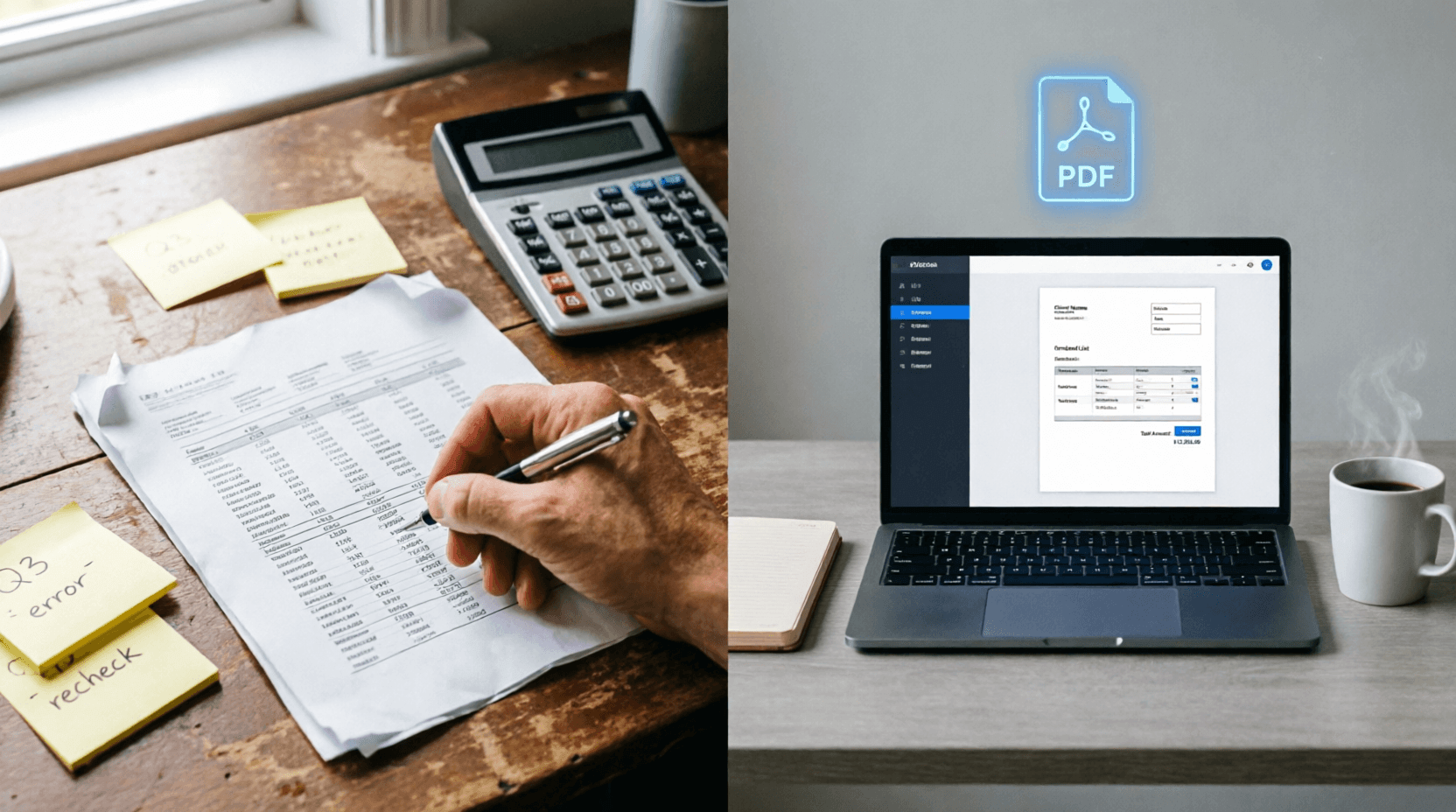
You just wrapped up a project. The client loved the work. Now comes the part nobody really warns you about: sending the invoice.
You open a blank Word doc. The columns refuse to align. You forget to add GST or sales tax. You spend twenty minutes tweaking fonts, only to realize the total is off by three decimal places. Suddenly, it’s past midnight, and you’re still formatting borders.
If that sounds familiar, you’re not alone. Most freelancers, solopreneurs, and small business owners treat invoicing like a chore. But what if you could draft a clean, client-ready invoice before your tea gets cold?
What This Tool Actually Is
This isn’t another bloated accounting platform disguised as a simple app. It’s a no-nonsense, web-based invoice generator built for speed. You fill in a few straightforward fields, the math handles itself, and you walk away with a polished PDF. No software to install. No mandatory sign-ups. Just a clean interface that does exactly what it says on the tin.
How It Works (Step-by-Step)
The layout mirrors how you actually think about billing. Here’s how to move through it without friction:
- Set the basics: Add your invoice number, issue date, and due date. (Pro tip: keep a simple numbering system like INV-001, INV-002 so you can track payments easily.)
- Add your details: Drop in your business name, email, and address. This section stays consistent across invoices, so you only type it once per session.
- Bill your client: Enter their name, email, and address. Double-check spelling here—it saves awkward follow-up emails later.
- Pick currency & taxes: Select your preferred currency, add a tax rate if applicable, or apply a discount. The tool toggles these cleanly without breaking the layout.
- List your items: Add descriptions, quantities, and rates. The amount column calculates automatically. Add as many line items as you need.
- Set expectations: Use the notes section for a quick thank-you or special instructions. The payment terms box is where you state exactly when and how you expect to get paid.
- Preview & export: Hit “Preview Invoice” to catch any typos, then click “Download Invoice PDF” to send it off. Done.
Why It Actually Saves You Time
- Zero math errors: Totals, subtotals, and tax calculations happen in real-time. You focus on the work, not the calculator.
- Flexible pricing settings: Handle discounts, multiple tax rates, or flat fees without rewriting formulas.
- Clean, client-ready design: No clashing fonts or misaligned tables. The output looks professional enough for corporate clients, yet simple enough for local buyers.
- Instant PDF export: One click, one file. No “Print to PDF” workarounds or formatting surprises.
- No login walls: Jump straight in. Great for one-off invoices or when you’re billing from a borrowed laptop.
Real-Life Scenarios Where This Shines
- The freelance designer: You deliver a brand kit and three logo variations. Instead of building a custom quote sheet, you plug in “Logo Design Package,” “Brand Guidelines PDF,” and “Revisions (2 rounds)”, set your rate, and send a PDF that looks like it came from an agency.
- The home-based baker: Wedding season is here. You track cake tiers, delivery fees, and rush charges as separate line items. The client sees exactly what they’re paying for, and you avoid “surprise fee” conversations later.
- The student tutor: You run weekly sessions for three different students. A simple, dated invoice with clear payment terms keeps your side income organized without turning into a part-time accounting job.
- The marketing consultant: Retainers, ad spend, and strategy calls get split into clean line items. Payment terms like “Due within 15 days” go right in the footer, so clients know the timeline upfront.
Why It Beats Excel, Word, and Heavy Accounting Apps
Spreadsheets are powerful, but they’re overkill for a single invoice. You end up fighting cell merges, broken formulas, and print margins. Word templates look fine until you try to adjust them on a phone or tablet. Meanwhile, full accounting software often demands monthly subscriptions, onboarding calls, and feature bloat you’ll never use.
This generator sits in the sweet spot: faster than a template, cleaner than a spreadsheet, and simpler than enterprise software. It respects your time and doesn’t ask for your entire workflow in exchange.
Tips to Get the Most Out of It
- Stick to a numbering system: Sequential numbers (INV-001, INV-002) make tax filing and payment tracking painless.
- Be specific in line items: Instead of “Consulting – ₹15,000”, write “SEO Audit + Keyword Mapping (10 hrs) – ₹15,000”. Clarity reduces payment delays.
- Set realistic due dates: 7–14 days works for most clients. If you’re working with larger companies, 30 days is standard, but state it clearly in the payment terms box.
- Save a mental (or external) template: Keep a text file with your business address, default tax rate, and standard payment terms. Copy-paste saves seconds every time.
- Always preview before downloading: A two-second glance catches swapped client names or missing tax fields before the PDF goes out.
Frequently Asked Questions
1. Is this tool completely free to use?
Yes. It’s designed for quick, frictionless invoicing. There are no hidden paywalls or mandatory upgrades for basic PDF exports.
2. Can I edit the invoice after downloading the PDF?
Once it’s downloaded, it’s a static PDF. If you need changes, simply adjust the fields in the tool and generate a new version. Keeping a draft in a notes app helps if you anticipate revisions.
3. Does it save my business or client data?
This type of web generator typically processes everything in your browser session. Nothing is stored on external servers unless you explicitly create an account or enable cloud saving. Always clear sensitive data if you’re on a shared device.
4. What if I work with international clients?
You can switch the currency dropdown to USD, EUR, GBP, or INR depending on your agreement. Just ensure your payment terms mention the currency and preferred transfer method (bank transfer, PayPal, UPI, etc.).
5. How do I handle partial payments or milestones?
Add separate line items for each milestone (e.g., “50% Upfront Deposit”, “Final Balance on Delivery”). The tool will calculate the running total, and you can note milestone expectations in the payment terms section.
Wrap-Up
Invoicing shouldn’t feel like a second job. It’s just a polite, professional way to ask for what you’ve already earned. This generator strips away the formatting headaches and gives you back the one thing every freelancer and small business owner is short on: time.
Give it a run on your next project. You’ll likely wonder why you spent so long wrestling with spreadsheet templates. And if you know someone still typing invoices line by line, send this their way. They’ll thank you later.
💬 Comments (0)
No comments yet. Be the first to share your thoughts!
Leave a Comment