
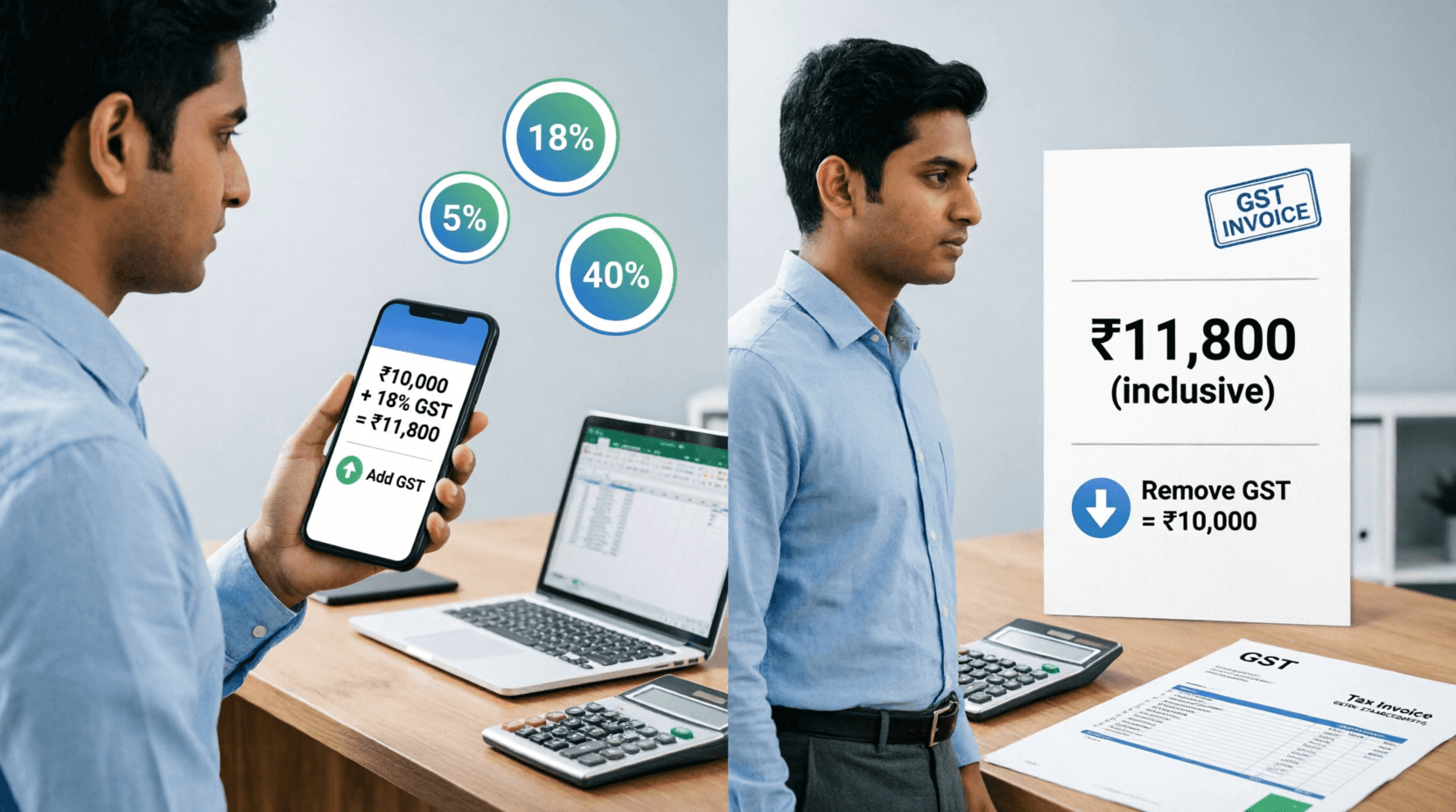
Ever Stared at a Bill Wondering "How Much GST Am I Actually Paying?"
Picture this: You're at your favorite restaurant in Mumbai, the bill arrives, and there it is—GST. But wait, is the GST already included? Are you paying 18% or 5%? And with the new GST 2.0 reforms rolling out in September 2025, things have changed quite a bit.
I've been there too. Last month, I was buying gold jewelry for my sister's wedding, and the jeweler quoted one price, then added GST, then I wasn't sure if the calculation was right. That's when I realized—most of us don't have a quick, reliable way to verify GST amounts on the spot.
Whether you're a small business owner in Delhi, a freelancer in Bangalore, or just someone who wants to make sure they're not being overcharged, having a simple GST calculator in your toolkit is pure gold.
Let me show you how this works.
What Exactly Is This GST Calculator?
Think of this GST calculator as your personal tax assistant that never sleeps. It's a free online tool that does two simple but powerful things:
- Adds GST to a price (when you have the base price and need the final amount)
- Removes GST from a price (when the bill includes GST and you want to know the original amount)
The beauty of this tool is that it's already updated with India's latest GST 2.0 structure that came into effect on September 22, 2025.
No need to remember which item falls under which tax slab anymore.
The New GST Slabs at a Glance
After the 56th GST Council meeting on September 3, 2025, India simplified its tax structure dramatically.
www.thehindu.com
Here's what we're working with now:
- 0% (Nil) - Fresh fruits, vegetables, milk, bread, eggs, educational services, life insurance
- 3% - Gold, silver, platinum, jewelry, precious stones, rough diamonds
- 5% - Packaged food, tea, coffee, edible oils, medicines, footwear under ₹2,500, electric vehicles
- 18% - Most goods and services (this is the default rate for many items)
- 40% - Luxury items, tobacco, sin goods (the highest slab)
How to Use It: A Step-by-Step Walkthrough
Using this calculator is ridiculously simple. Here's how:
Scenario 1: Adding GST (Exclusive to Inclusive)
Let's say you're a freelancer in Pune quoting a client ₹50,000 for your services, and you need to add 18% GST.
Step 1: Select "Add GST (Exclusive → Inclusive)"
Step 2: Enter your original price: ₹50,000
Step 3: Choose your GST rate: Click on "18%" (or enter a custom rate if needed)
Step 4: Hit calculate
Result: You'll instantly see:
- GST Amount: ₹9,000
- Total Price (with GST): ₹59,000
Now you can send that invoice with confidence!
Scenario 2: Removing GST (Inclusive to Exclusive)
You just bought a new smartphone in Bangalore for ₹23,600 (price includes GST). You want to know the actual base price and how much tax you paid.
Step 1: Select "Remove GST (Inclusive → Exclusive)"
Step 2: Enter the total price: ₹23,600
Step 3: Select the GST rate: 18% (most electronics fall here)
Step 4: Calculate
Result:
- Base Price: ₹20,000
- GST Paid: ₹3,600
Now you know exactly what you're paying in taxes!
Why This Calculator Stands Out from the Rest
I've tried dozens of GST calculators online, and most of them feel like they were built in 2017 and never updated. Here's what makes this one different:
✓ Already Updated for GST 2.0
While other calculators are still showing the old 12% and 28% slabs, this one reflects the new simplified structure approved in September 2025.
You won't get outdated calculations.
✓ Quick-Select Rate Buttons
Instead of typing percentages every time, you get one-click access to common rates: 3%, 5%, 18%, 40%, plus a custom option. It's faster than pulling out your phone's calculator app.
✓ Dual Functionality
Most tools only add GST. This one does both—adding AND removing. That's crucial when you're verifying bills or doing reverse calculations for accounting.
✓ Clean, No-Nonsense Interface
No pop-ups, no ads blocking your view, no confusing options. Just enter, calculate, done.
✓ Shows the New GST Slab Structure
Right below the calculator, you get a handy reference table showing which items fall under which category. No more Googling "what GST rate on restaurant bills?"
Real-Life Situations Where This Saves You
Let me share some scenarios where this calculator becomes your best friend:
For Small Business Owners
Raj owns a small electronics shop in Chennai. Every day, he creates 20-30 invoices. With GST 2.0, some items moved from 12% to 18%, others from 28% to 18%.
Instead of memorizing rates or checking charts, he quickly verifies his billing software's calculations.
For Freelancers & Consultants
Priya is a graphic designer working with clients across India. She charges ₹30,000 per project. When clients ask for the "final amount with GST," she doesn't fumble with mental math—she uses the calculator and sends professional quotes instantly.
For Shoppers Making Big Purchases
Buying a car? A new TV? Gold jewelry? These are big-ticket items where GST makes a significant difference.
For example, if you're buying gold worth ₹5 lakhs, the GST is 3% (under the new structure).
That's ₹15,000 in tax. The calculator helps you verify the jeweler's bill is accurate.
For Restaurant Bills
Ever noticed that restaurant bills sometimes have confusing GST breakdowns? With the new GST 2.0, restaurant services (non-AC) fall under 5%.
Next time your bill seems high, quickly verify it.
For CA Students & Accountants
If you're studying for CA exams or working in accounting, you'll appreciate having a quick tool to cross-check your manual calculations during practice or busy filing seasons.
Key Features That Make Life Easier
Here's what you get with this calculator:
- Multiple GST Rate Options: 3%, 5%, 18%, 40%, or enter any custom rate
- Instant Calculations: No waiting, no page reloads
- Mobile-Friendly: Works perfectly on your phone while you're shopping
- Clear Display: Shows original amount, GST amount, and final total separately
- Updated Slab Information: Visual reference of what falls under each category
- Two-Way Calculation: Add GST or remove it—your choice
Pro Tips to Get the Most Out of This Tool
After using GST calculators for years, here are my insider tips:
Tip 1: Bookmark It on Your Phone
Add this page to your phone's home screen. When you're at a store negotiating prices, you'll have instant access.
Tip 2: Verify Before You Pay
For purchases above ₹10,000, always do a quick calculation. A simple error in GST can cost you hundreds or thousands of rupees.
Tip 3: Use It for Budgeting
Planning a big purchase? Use the calculator to figure out the actual cost including GST. If you're budgeting ₹1 lakh for a new laptop, remember that 18% GST means the base price should be around ₹84,746.
Tip 4: Cross-Check Invoices
If you're a business owner, verify your supplier invoices. Sometimes even large companies make GST calculation errors.
Tip 5: Understand the Rate Changes
Keep the GST slab table visible. Knowing that packaged paneer is now 5% while fresh milk is 0% helps you make smarter purchasing decisions.
Frequently Asked Questions
Q1: What is the difference between GST exclusive and GST inclusive?
Great question! GST exclusive means the price shown does NOT include GST—you need to add it. GST inclusive means GST is already included in the displayed price.
For example:
- Exclusive: Product ₹1,000 + 18% GST = ₹1,180 total
- Inclusive: Product ₹1,180 (includes 18% GST) = ₹1,000 base price + ₹180 GST
Most B2B transactions show exclusive prices, while B2C (retail) usually shows inclusive prices.
Q2: Which GST rate applies to my product or service?
With GST 2.0 effective from September 22, 2025, the structure is simpler:
0%: Essential items like fresh vegetables, milk, bread, eggs
- 5%: Mass consumption items like packaged food, tea, medicines, footwear under ₹2,500
- 18%: Most goods and services (this is the standard rate now)
- 40%: Luxury items, tobacco, high-end cars
The calculator shows a detailed table below it with specific examples for each slab.
Q3: Can I use this calculator for reverse GST calculations?
Absolutely! That's one of its best features. If you have a bill that says ₹11,800 (including 18% GST), select "Remove GST" and the calculator will show you:
- Base price: ₹10,000
- GST amount: ₹1,800
This is super helpful when you're filing GST returns or verifying vendor bills.
Q4: Is this calculator updated with the latest 2025 GST rates?
Yes! The calculator reflects the new GST 2.0 structure approved by the 56th GST Council on September 3, 2025, and effective from September 22, 2025.
The old 12% and 28% slabs have been largely merged into the simplified 5%, 18%, and 40% structure.
Q5: Do I need to pay to use this calculator?
Nope, it's completely free. You can use it as many times as you want—whether you're calculating one bill or doing hundreds of invoices for your business.
The Bottom Line
Look, GST doesn't have to be confusing. Whether you're running a business in Ahmedabad, shopping for your home in Kolkata, or just trying to understand your monthly expenses, having a reliable GST calculator makes everything clearer.
The new GST 2.0 reforms have simplified things, but that doesn't mean you should blindly trust every bill you receive.
A quick 10-second calculation can save you from overpaying or help you budget better.
Here's my challenge to you: Next time you get a bill—whether it's for ₹500 or ₹50,000—take 10 seconds to verify the GST. You might be surprised at what you find.
This calculator is here whenever you need it. Bookmark it, share it with your friends and family, and never let confusing tax calculations stress you out again.
Got a question or found an error in your bill using this tool? Drop a comment below—I'd love to hear your story!
💬 Comments (0)
No comments yet. Be the first to share your thoughts!
Leave a Comment